Add your game
Select your DRM-free game folder or a supported archive.

EMBRIS prepares supported DRM-free games and handles the technical setup for you.
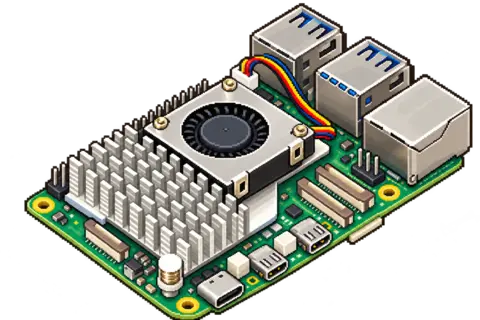
For Raspberry Pi 5.
In development · Targeting early 2027
The first public EMBRIS image is not available yet. Timing may change.
Loads YouTube when you press play. Privacy · Watch on YouTube (opens in a new tab) ↗
Select your DRM-free game folder or a supported archive.
EMBRIS checks the game and prepares its technical setup.
Choose a prepared game from your library and play.
Before you start
A Raspberry Pi 5, suitable storage and your own DRM-free games. See full requirements and recommendations.
Raspberry Pi 5 with at least 4 GB of RAM.
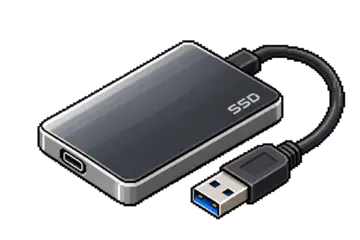
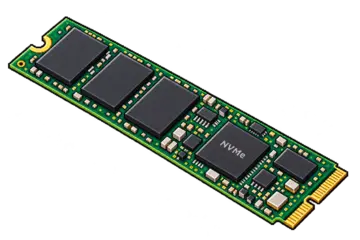
Use a USB 3.0 SSD or NVMe SSD for faster game preparation and loading.
We recommend the Raspberry Pi 27 W USB-C power supply and active cooling.
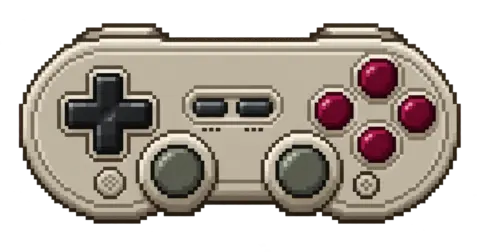
Use an HDMI screen. Some games support a controller; others require a mouse and keyboard. Check the Compatibility page for tested controls. Display output is up to 1080p.
Supply your own legally acquired games. Check the tested games before choosing a title.
Allow space for EMBRIS, your games and saves, plus temporary space during preparation.